This process is used to show or hide a catalogue-only product, a catalogue product that does not have a BBS product code. Where the product has a BBS product code, navigate to Product Masterfile Maintenance > eStore Settings.
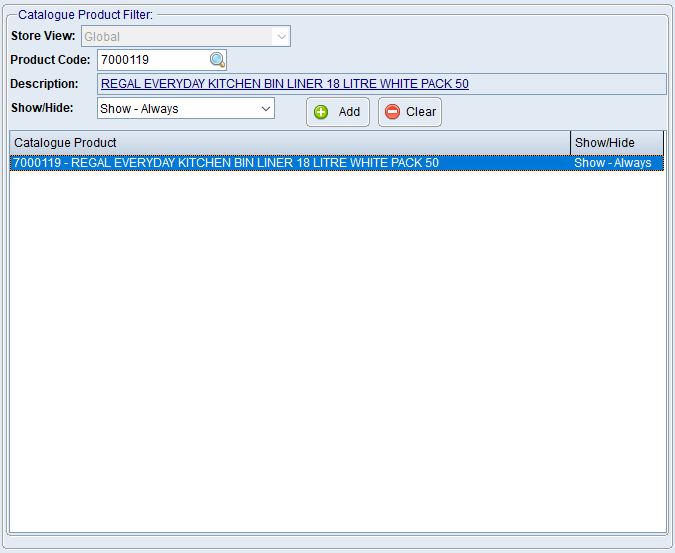

1.From the BBS Main Menu, select eStore > Maintenance > eStore Settings Maintenance. 2.Select the Catalogue Product Filter tab. 3.If more than one Store View is available, select the required Store View. 4.Enter the catalogue Product Code if known or click 5.Select one of the following: oShow Always - Will apply a catalogue-level instruction to display the item even when the normal catalogue status would hide it. Other eStore validation rules may still prevent publication. oShow If Active - Will display the item only while it remains active in the catalogue. oHide - Will prevent the catalogue-only product from being displayed. 6.Click Add. 7.Repeat for any other catalogue-only products requiring an override. |
 to search.
1.Select the catalogue product in the filter list. 2.Click Clear.
The product then returns to the normal catalogue publishing rules. |
